Christmas AI Card Prompts: How to Generate Cover Art and Turn It into a Real Card
Tested prompts for modern AI image generators (GPT Image 2/2.5, Flux 3 Klein, Midjourney v6.1+, Gemini 3 Pro) with finished artwork previews—plus how to avoid AI text glitches and turn raw art into an animated, sendable card in 30 seconds.
On this page
- The golden rules for greeting card AI prompts
- Tested Christmas card prompts (with artwork previews)
- 1. Cozy watercolor Christmas tree and hearth for family
- 2. Handcrafted 3D paper-cut reindeer and snowy night
- 3. Moody vintage winter botanical (pine and holly berries)
- 4. Retro 1960s mid-century holiday cartoon
- How to turn your AI image into a real card in 30 seconds
- Want a card right now without generating an image?
Generating Christmas artwork with modern AI generators like GPT Image 2/2.5, Flux 3 Klein, Midjourney (v6.1+), and Gemini 3 Pro is faster and more capable than ever. But an AI-generated image by itself is not a greeting card yet. A real digital card needs a legible personal note, an opening envelope animation, background music, and a convenient link your friend can open on their phone.
If you have tried prompting an AI for a "Christmas card", you have probably noticed the two most common traps: the model fills the entire frame with busy ornaments and snowflakes, leaving nowhere to write your greeting, or it tries to spell "Merry Christmas" and produces scrambled, misspelled letters.
Here is how to write card-ready AI prompts that avoid those mistakes, followed by four tested prompts with visual artwork previews and a simple 30-second workflow to turn your generated art into a sendable card.
The golden rules for greeting card AI prompts
A great card image does not need to do the work of the text. Keep these three rules in mind when writing or adapting your prompts:
- Ban AI-generated text entirely: Always append
--no text, words, letters, typography, watermarkto your prompt. AI image models frequently misspell holiday greetings or add strange pseudo-alphabets. It is always cleaner to render your headline and personal note in a dedicated card editor with real typography. - Request generous negative space: Explicitly ask for
lots of clean copy space on the right sideoropen empty center. This reserves a calm, uncluttered area where your greeting can be read comfortably without competing with the illustration. - Use a 3:2 landscape aspect ratio: A standard folding greeting card uses horizontal proportions. Add
--ar 3:2in Midjourney, or ask GPT Image 2, Flux 3, or Grok Imagine for a "wide landscape orientation 3:2 ratio".
Tested Christmas card prompts (with artwork previews)
Each concept below includes a finished 3:2 artwork preview generated directly from the prompt, followed by the copy-ready prompt and personal message ideas.
1. Cozy watercolor Christmas tree and hearth for family
A warm, glowing living room scene featuring a decorated pine tree and glowing fireplace. Ideal for family and close friends who love traditional holiday warmth.
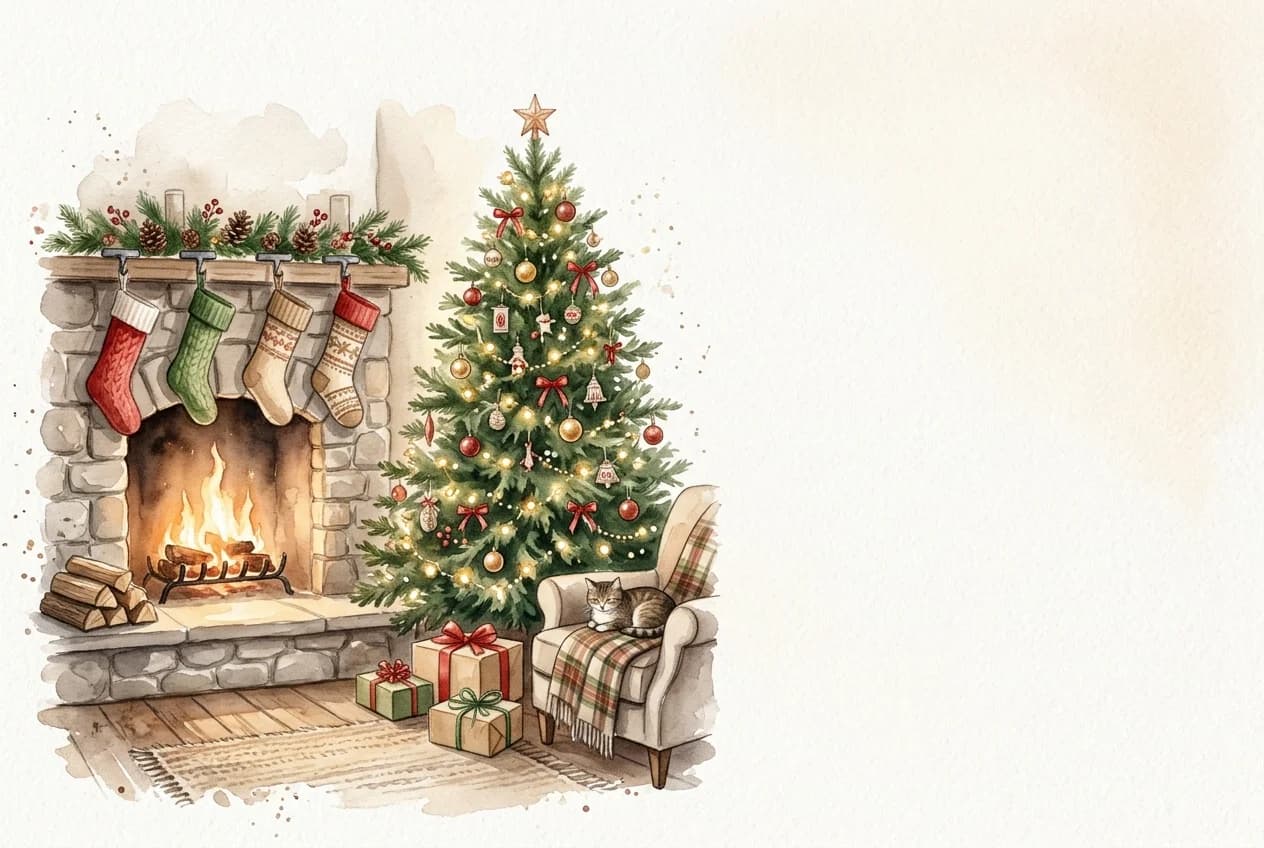
“A cozy watercolor illustration of a decorated evergreen Christmas tree beside a warm stone fireplace with glowing embers, soft golden fairy lights, peaceful holiday evening mood, clean empty watercolor wash space on the right side for custom greeting text, delicate textured paper aesthetic --ar 3:2 --no text, typography, watermark”
Once generated, place this image into a card layout and add a short, warm note like: "The house always feels brighter when everyone gathers by the fire. Merry Christmas!"
2. Handcrafted 3D paper-cut reindeer and snowy night
A magical, dimensional papercraft style featuring a gentle reindeer under a starry winter sky. Perfect for friends across the distance or anyone who loves storybook art.
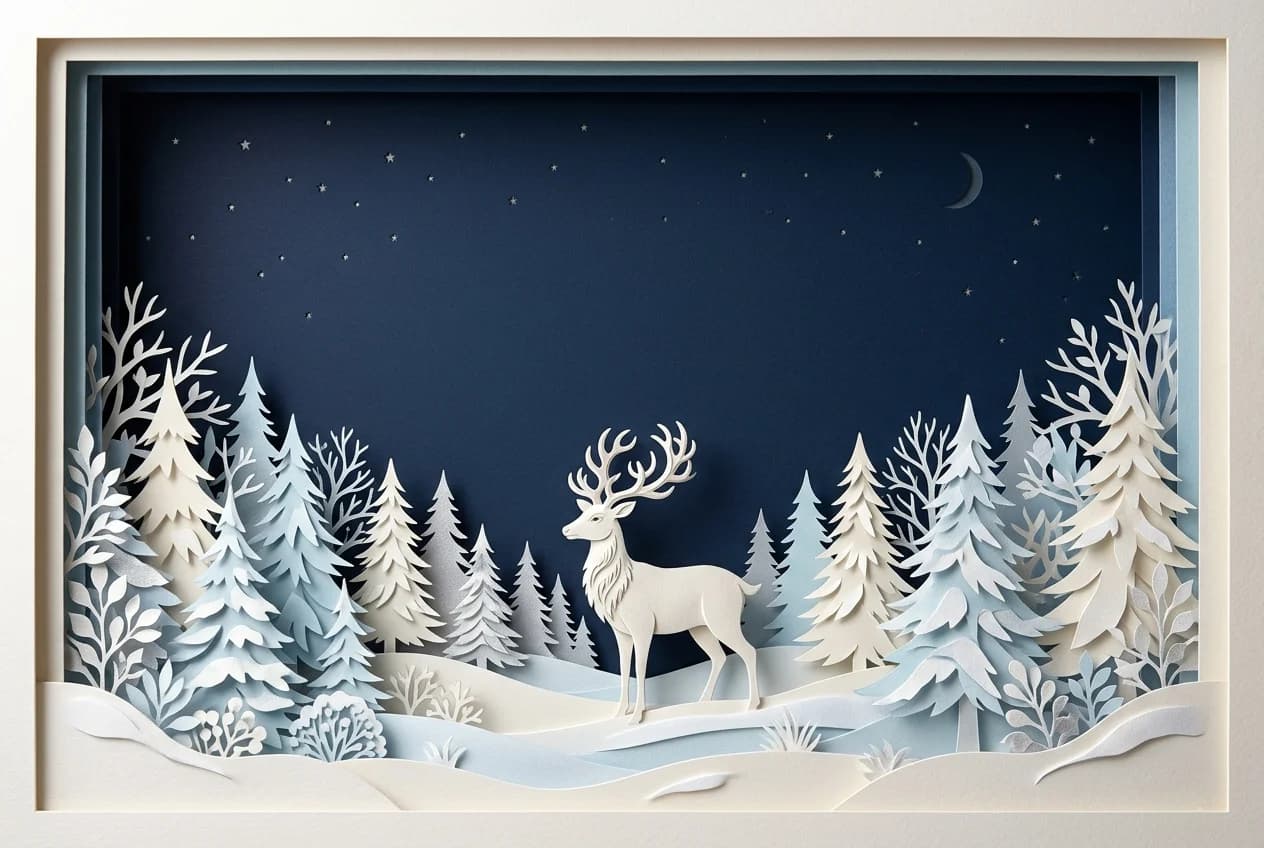
“Dimensional 3D layered paper-cut illustration of a gentle reindeer standing in a snowy pine forest, crisp paper shadows, dreamy deep navy blue winter twilight sky with subtle glowing stars, reindeer anchored at the bottom, wide composition with spacious empty night sky across the top for card text --ar 3:2 --no words, labels, watermark”
Pair this with a thoughtful greeting: "Across the miles and under the same winter stars, thinking of you this Christmas."
3. Moody vintage winter botanical (pine and holly berries)
For hosts, colleagues, or anyone who appreciates muted European botanical aesthetics, pine cones, and timeless holiday greenery.

“Moody vintage botanical watercolor illustration of winter evergreen pine boughs, red holly berries, rustic pinecones, and star anise arranged along the borders of a dark rustic tabletop, cozy winter aesthetic, generous clean empty space in the center for greeting text, timeless elegant artwork --ar 3:2 --no text, watermark”
A personal touch fits best here: "Sending you all the peaceful, quiet warmth of a cozy winter afternoon."
4. Retro 1960s mid-century holiday cartoon
A charming, graphic mid-century style with smiling holiday characters and festive retro colors. Highly readable on mobile devices and wonderful for group chats.
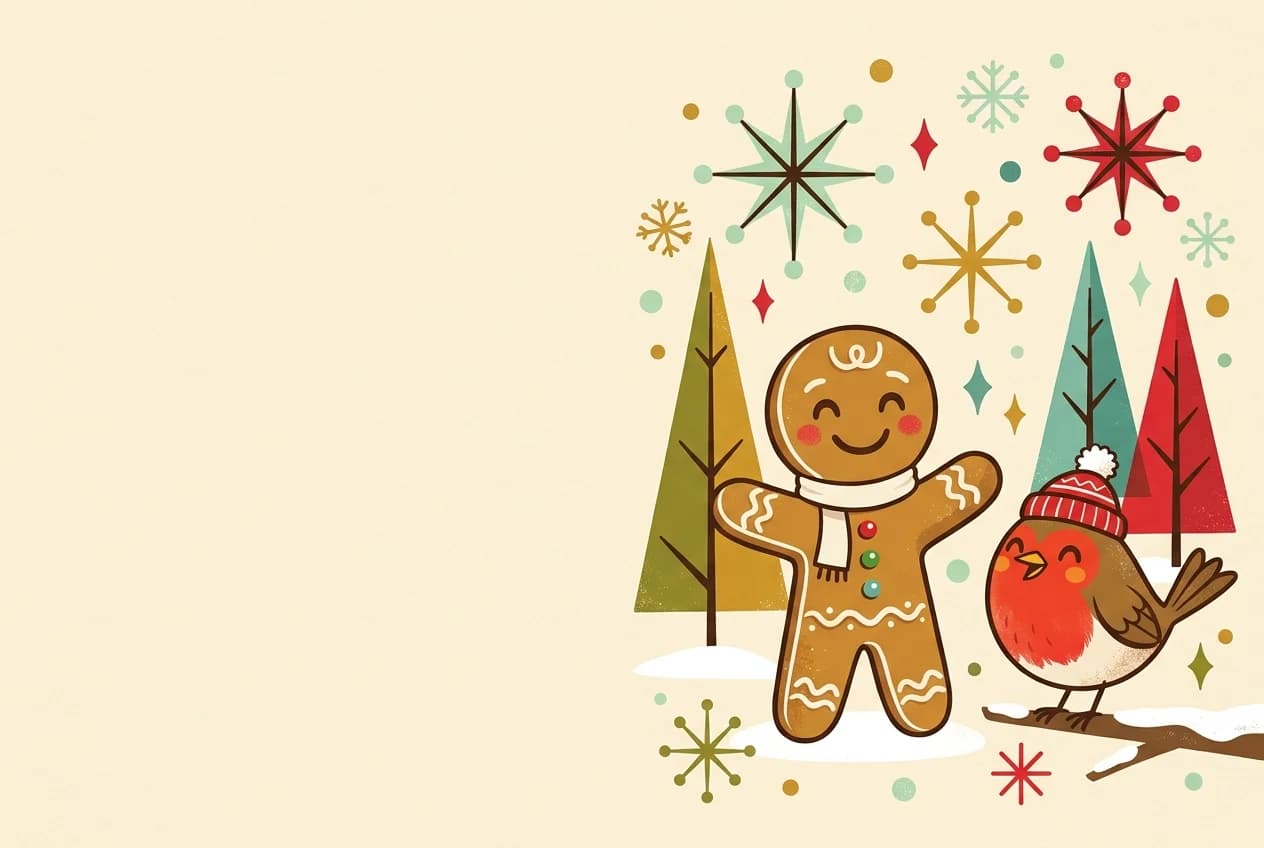
“Retro 1960s mid-century modern cartoon illustration of a smiling gingerbread cookie and a cheerful winter robin wearing small festive knit hats, subtle retro starburst sparkles, muted festive palette of olive green, warm ochre, cherry red and cream, broad open negative space on the left for card typography --ar 3:2 --no text, fonts, signature”
How to turn your AI image into a real card in 30 seconds
Once your AI tool delivers an image you like, don't just send a raw JPEG file over chat. Give it the feel of a real greeting card:
- Open the card editor: Go straight to the Christmas Photo Keepsake Card.
- Replace the artwork: Click the editable photo frame, select Replace photo, and upload your AI-generated picture.
- Type your personal note: Replace the sample greeting with your own words. Pick a font and accent color that matches your artwork’s mood.
- Choose an animated envelope & music: Select your envelope style and pick a warm holiday background melody (such as Gentle Holiday or Cozy Moments).
- Send via link or download: You can copy a hosted interactive link that unfolds on your recipient's phone with an envelope animation, or download a high-resolution card image for free.
Want a card right now without generating an image?
If you don't feel like waiting for an AI queue or signing into an image generator, you can use our pre-designed templates right away:
- For family gatherings, use the Christmas Together Template.
- For someone celebrating in another city, use the Christmas Across Miles Template.
- For a cherished photo memory, explore our Christmas Photo Card Ideas Guide.
- Looking for relationship-specific wording? Browse our collection of Christmas Card Messages for Family and Friends.


Make it personal
Christmas Together
A warm Christmas card for the people you love
Design · Christmas Together
Personalize this cardCompare matching card styles
Explore matching cards →🎄Christmas Together
Active🎄 Classic Christmas · Warmth & Home

✨Christmas Across Miles
✨ Across the Miles · Warmth From Afar

📷Christmas Photo Keepsake
📷 Holiday Keepsake · Year-End Memory