Halloween Card Ideas for Friends: Your Crew, Your Joke, Your Host
Pick Halloween card ideas for the costume planner, the friend who gets your jokes, or the host who made room for everyone. Add a photo and a note of your own.
On this page
- A card for the friend who has a role in every Halloween plan
- An inside-joke Halloween card for the friend who needs no explanation
- A Halloween host thank-you card for after the party
- Make the card with your own words and photo
- Questions before you send it
- What if my friend does not celebrate Halloween?
- Can I use these messages without a photo?
- Will the card ask my friend the question automatically?
- Choose the reason, then choose the card
Halloween card ideas for friends work best when there is a reason to send the card. Maybe someone has spent weeks on a costume, a familiar joke has returned to the group chat, or a friend is opening their home for the evening. Choose that moment first. The pumpkin can do the decorating.
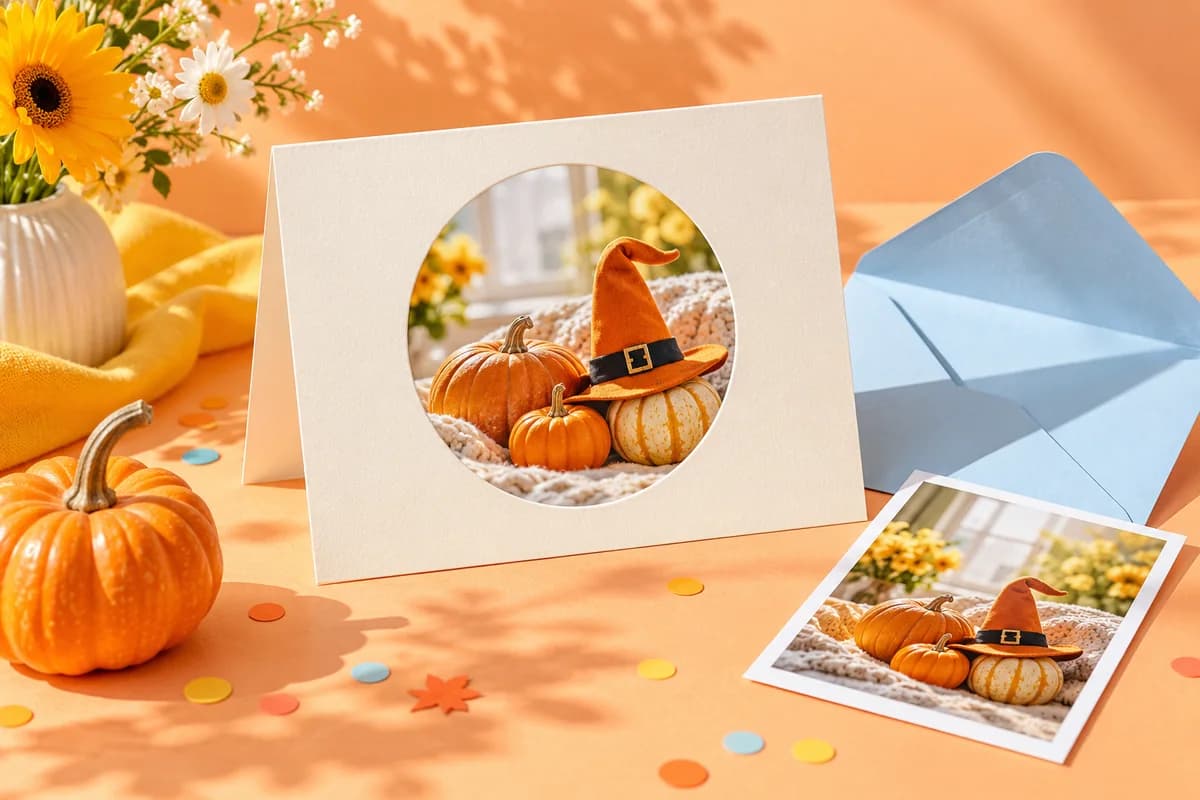
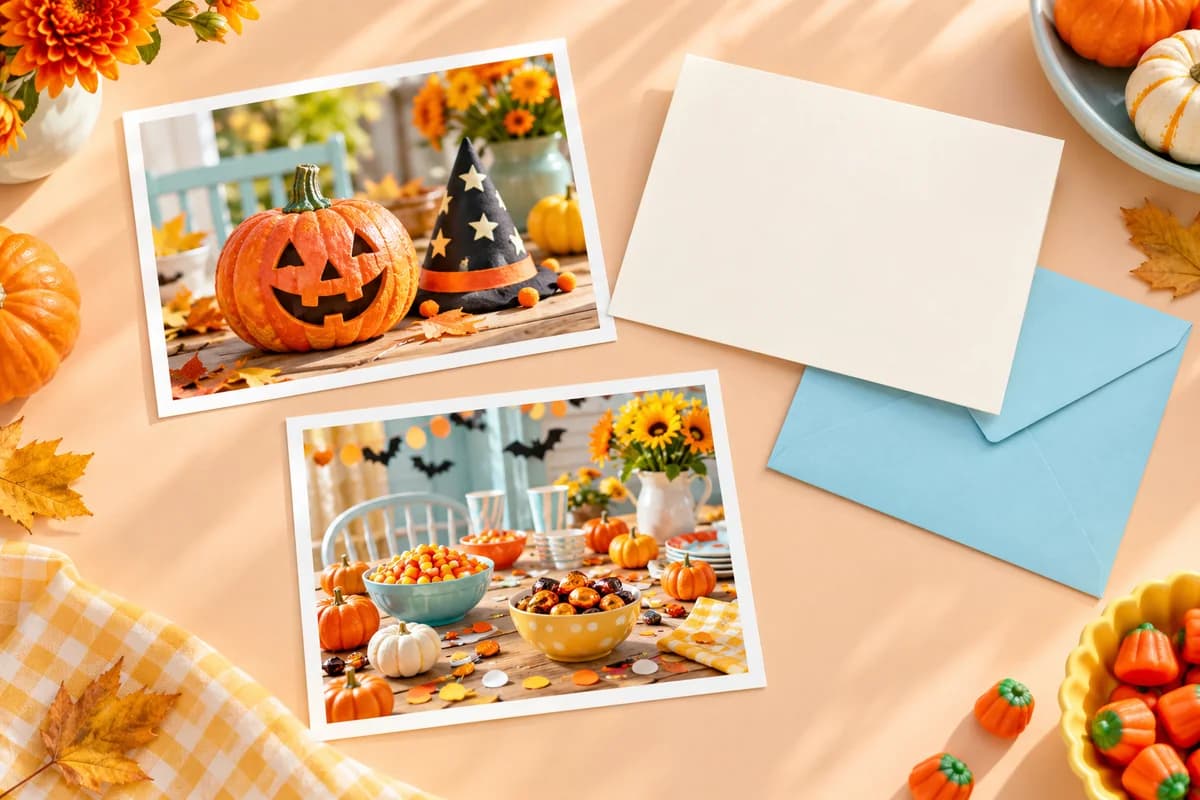
The cover is an AI-generated paper-art illustration. The watermarked cards below are separate, actual free editor downloads; the sample pictures are project-owned illustrations, not customer photographs.
A card for the friend who has a role in every Halloween plan
Think of the person who arrives with the costume kit, takes the group photos, or knows where the good candy is. Send this card before the gathering as a small invitation, or afterward with the photo they would otherwise never receive because they were behind the camera.
- The costume planner: “You brought the costume plan. I brought the emergency safety pins. We are ready.”
- The friend behind the camera: “Proof you were there too. This one belongs in your camera roll.”
- The candy expert: “I saved you the good chocolate. No trades, no witnesses.”
Keep the role affectionate. If they are tired of organising everything, thank them instead of assigning them next year's job. For a group photo, check that everyone is comfortable being included and keep faces away from the crop edge.
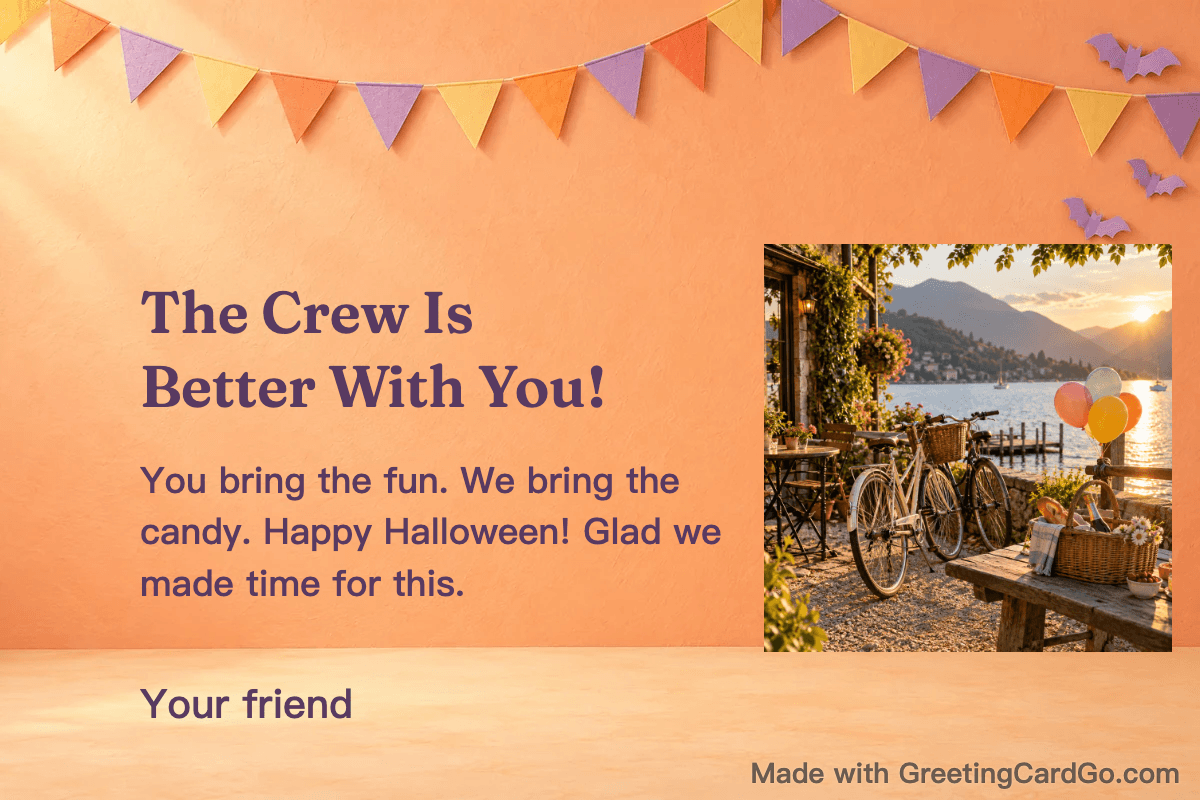
Make the Halloween friend-crew card.
A question to add beneath the note: “Which of us is bringing the candy this year?” Use it to open a conversation; the card does not collect replies for you.
An inside-joke Halloween card for the friend who needs no explanation
Start with a line you would say in a message, then add one detail that belongs to the two of you. A recurring costume mishap, an old film quote in your own words, or the name of your annual snack night can do the work. You do not need to explain the entire friendship on the card.
“Stay weird. I'm keeping you. Same sofa, same terrible film, next Friday?”
“Your costume has changed. Our plan to leave early has not improved.”
“One small pumpkin, one very long story. You already know which one.”
Replace the sofa, the film or the pumpkin with your own detail. Keep a private joke private: a downloaded image can be forwarded, so leave out anything the recipient would not want other people to read. If the teasing might sting, use the quieter line, “Glad I get to do ordinary, slightly strange evenings with you.”
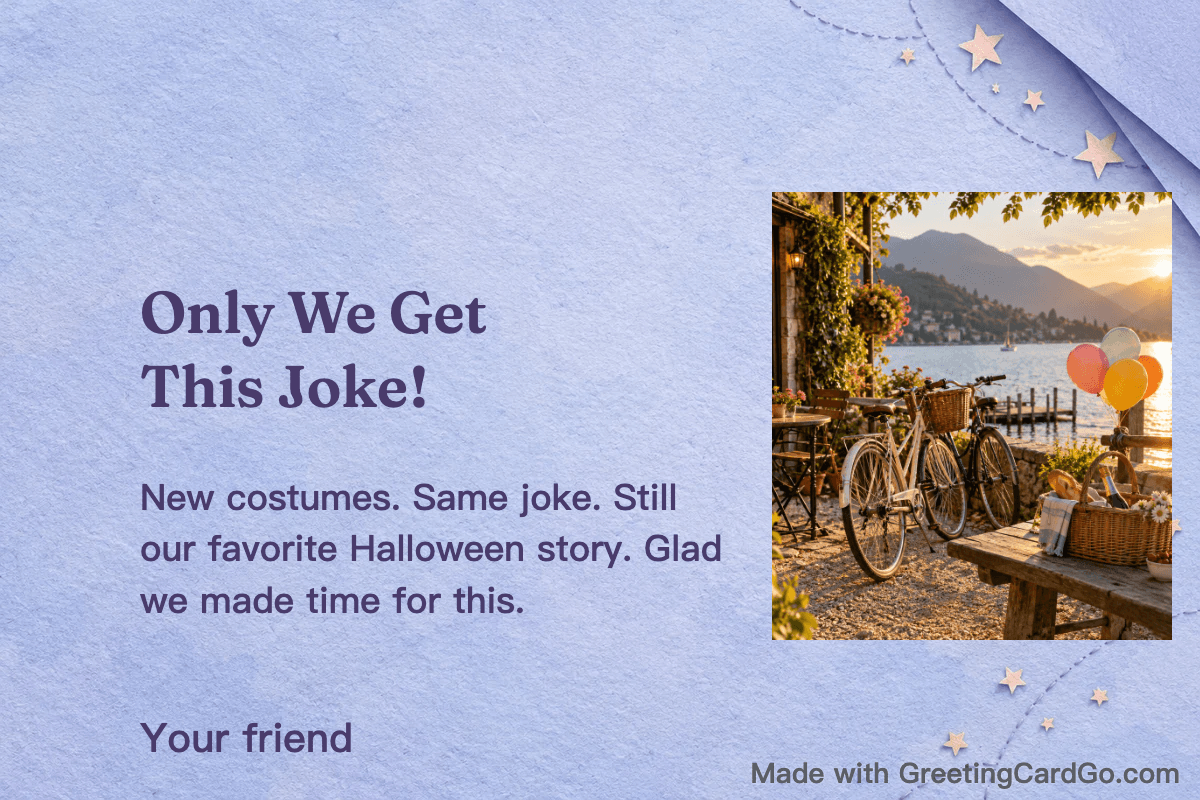
If you want an answer, ask one easy question: “Same tradition next year?” For more short lines without choosing a new design, see Halloween card messages for friends.
A Halloween host thank-you card for after the party
Save the idea before the party, then write the note after you know what you appreciated. Name the food, the patient directions, the spare chair or the way the host helped a new guest feel welcome. The detail makes “thanks for having us” feel addressed to one person.
- “Thank you for making space for all of us. The spare chair and the warm food meant a lot.”
- “Still thinking about those pumpkin cookies. Thanks for the evening and for sending us home with extras.”
- “You made it easy to turn up, settle in and be ourselves. Thank you for having us.”
Change the cookies or food if that is not what happened. A thank-you does not need a perfect group picture: a photo of the table or decorations can recall the night without showing anyone's face. Ask before sharing pictures from someone else's home.
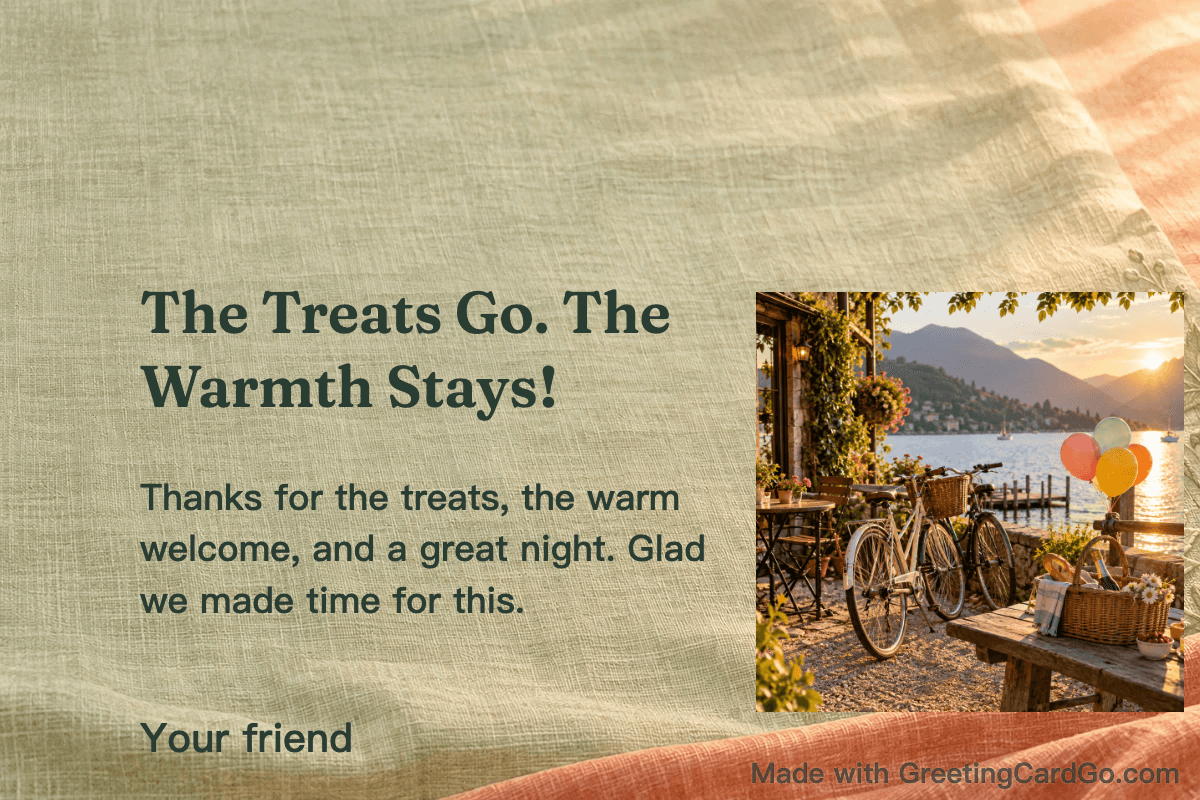
Make a Halloween host thank-you card.
“Can I bring the snacks next time?” works as a closing question if you mean it. Leave it out if you are simply sending thanks.
Make the card with your own words and photo
- Open the design that fits your reason for sending it. Each link above opens that template in the editor.
- Replace the sample photo with one you have permission to use, then check the crop. The template places your uploaded photo; it does not redraw it with AI.
- Edit the headline and note. Copying a line from this guide does not automatically add it to the card.
- Download the free PNG and check the actual file for readable words, the right names and the intended photo crop.
You can edit, replace a photo and download a free PNG without signing in. Free PNG downloads include the GreetingCardGo brand watermark. Account saving, hosted share links and paid unlocks require sign-in. You can send a downloaded image yourself through your usual messaging app; that is separate from creating a hosted link. See current export options if you want to remove the watermark.
For help choosing and fitting a costume picture, use the Halloween photo-card guide.
Questions before you send it
What if my friend does not celebrate Halloween?
Do not assume they want a spooky greeting. A friendly note or a shared memory can fit your relationship without asking them to celebrate.
Can I use these messages without a photo?
Yes. Keep the words that fit and choose a text-focused design from the holiday templates, or remove a replaceable photo element if that option is available in your selected design. Check the result before downloading.
Will the card ask my friend the question automatically?
No. The question is wording you add yourself. Send the PNG in your own conversation, or sign in to create a hosted share link; neither route adds a reply form to the card.
Choose the reason, then choose the card
Your Halloween card for a friend can recognise their part in the group, keep a joke between you, or thank them for making everyone welcome. Pick the reason you can name honestly, change one line to sound like you, and inspect the downloaded card before sending it.


Make it personal
Halloween Friend Crew
A Halloween note for the costume planner, photographer, or candy keeper
Design · Halloween Friend Crew
Personalize this cardCompare matching card styles
Explore matching cards →
🎃Halloween Magic
🎃 Classic Spooky Fun · Treats & Warmth


👻Halloween Cute Notes
✨ Cute Graphic Note · No Photo Needed

📷Halloween Party Photo
📷 Photo Frame Card · Upload Memories


🎃Thanks for Hosting Halloween
✨ Graphic Card